Author
All articles by Sari Saariaho
Sari is a teacher-turned-programmer, Sharetribe's Developer Advocate, and the co-Editor-in-chief of Sharetribe's Developer Blog. She enjoys figuring out how to get the Sharetribe transaction process engine to expand to new and interesting use cases.

All articles by Sari Saariaho
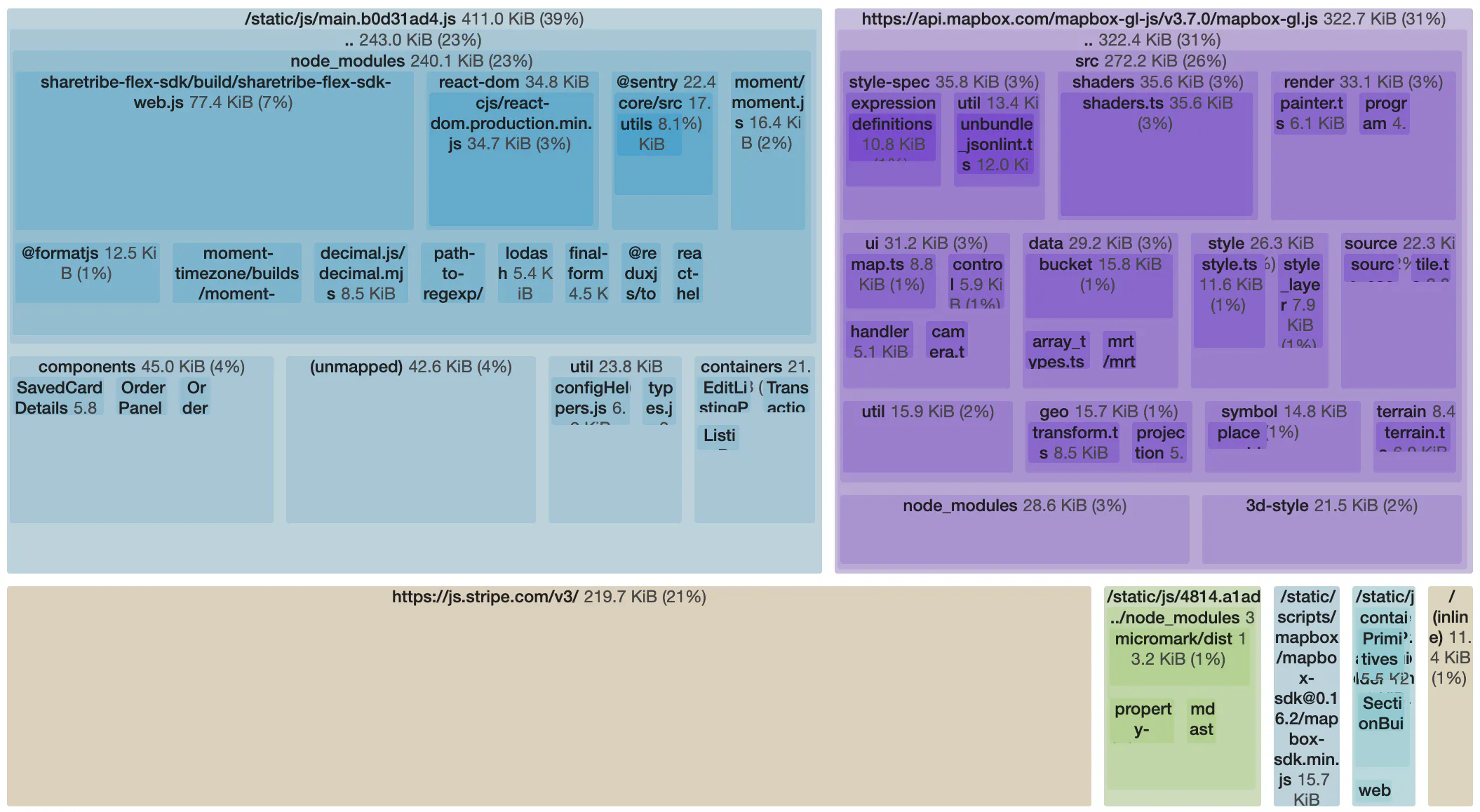
Updates to Sharetribe Web Template webpack configurations
Sharetribe Web Template ejects sharetribe-scripts. This article explains what you should know about the update to webpack configurations and module bundling.
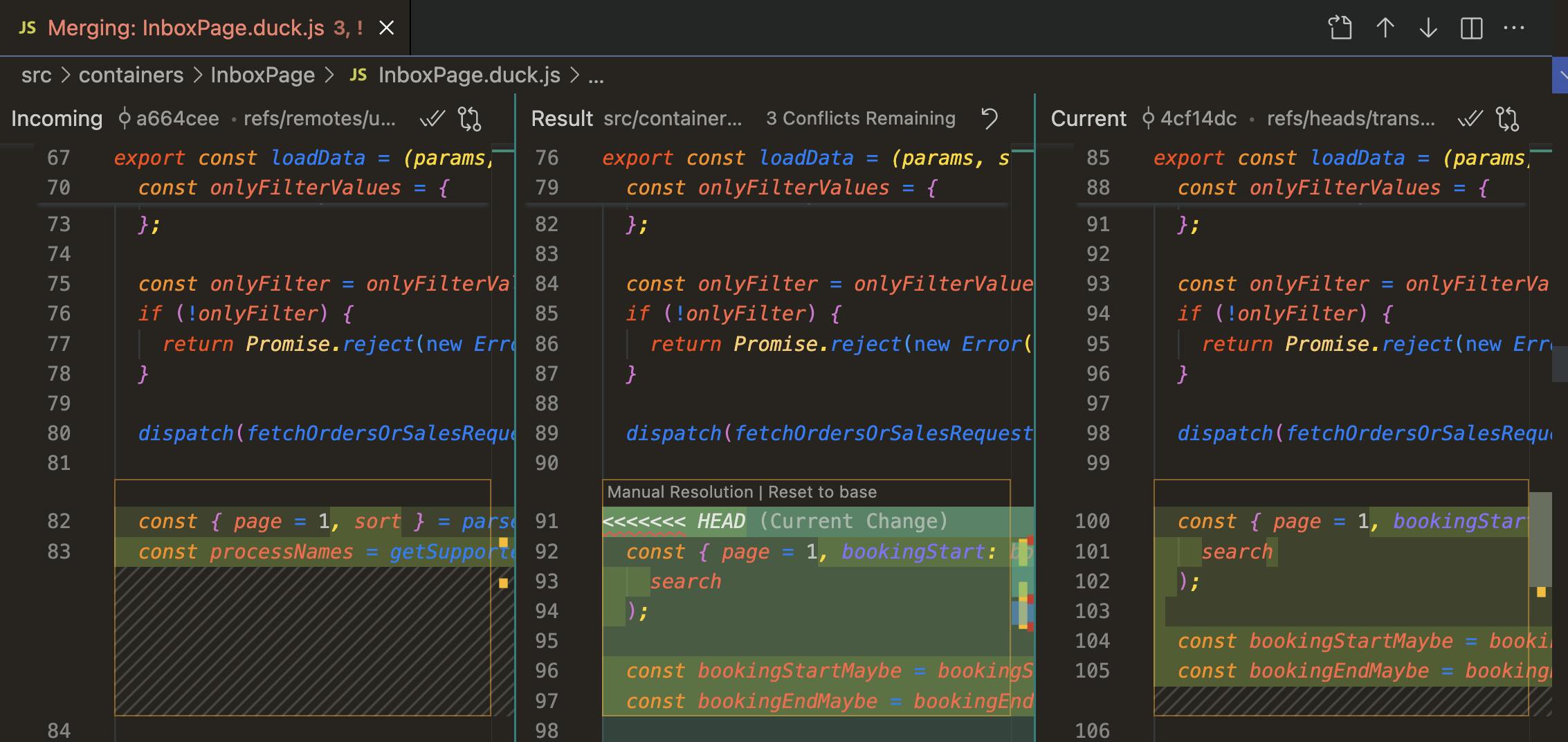
Updating your custom Sharetribe Web Template from upstream
Learn when it makes sense to update your custom Sharetribe Web Template, when it does not, and what can make your updates easier.

Add transaction filtering to your marketplace inbox page
New filtering options in the Sharetribe APIs make it possible to filter and sort transactions. In this article, we share some examples on how you can use existing filtering components and combine them with these new transaction filtering parameters to add filtering capabilities to your inbox page.
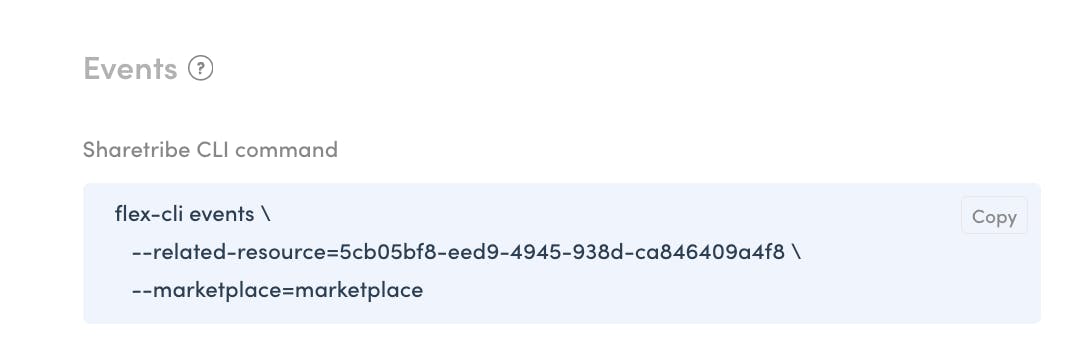
How to get the most out of events with the Sharetribe CLI
When something happens on your marketplace, Sharetribe tracks it as an event. Events are useful for real-time integrations, but they can also be used to investigate the history of a single resource, such as a user or a listing, with the Sharetribe CLI. In this article, we will learn how to use the options in the CLI, as well as a tool called jq, to find the details we want to investigate.
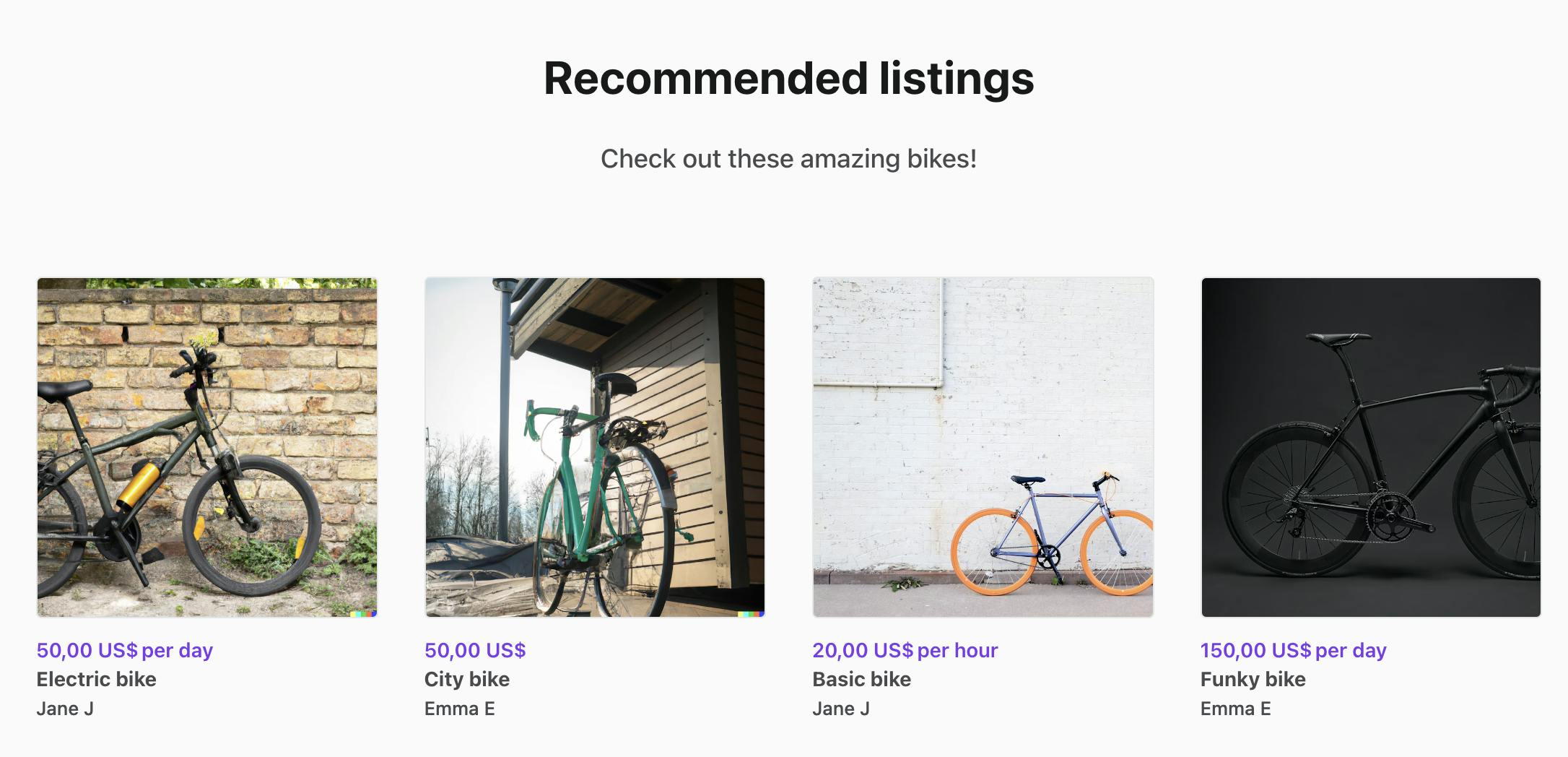
Custom section components on Sharetribe’s CMS, Pages
Sharetribe marketplaces offer a simple CMS tool that operators can use to create content in their marketplaces without coding. This article discusses two ways to enhance the default display of CMS page components in Sharetribe Web Template.

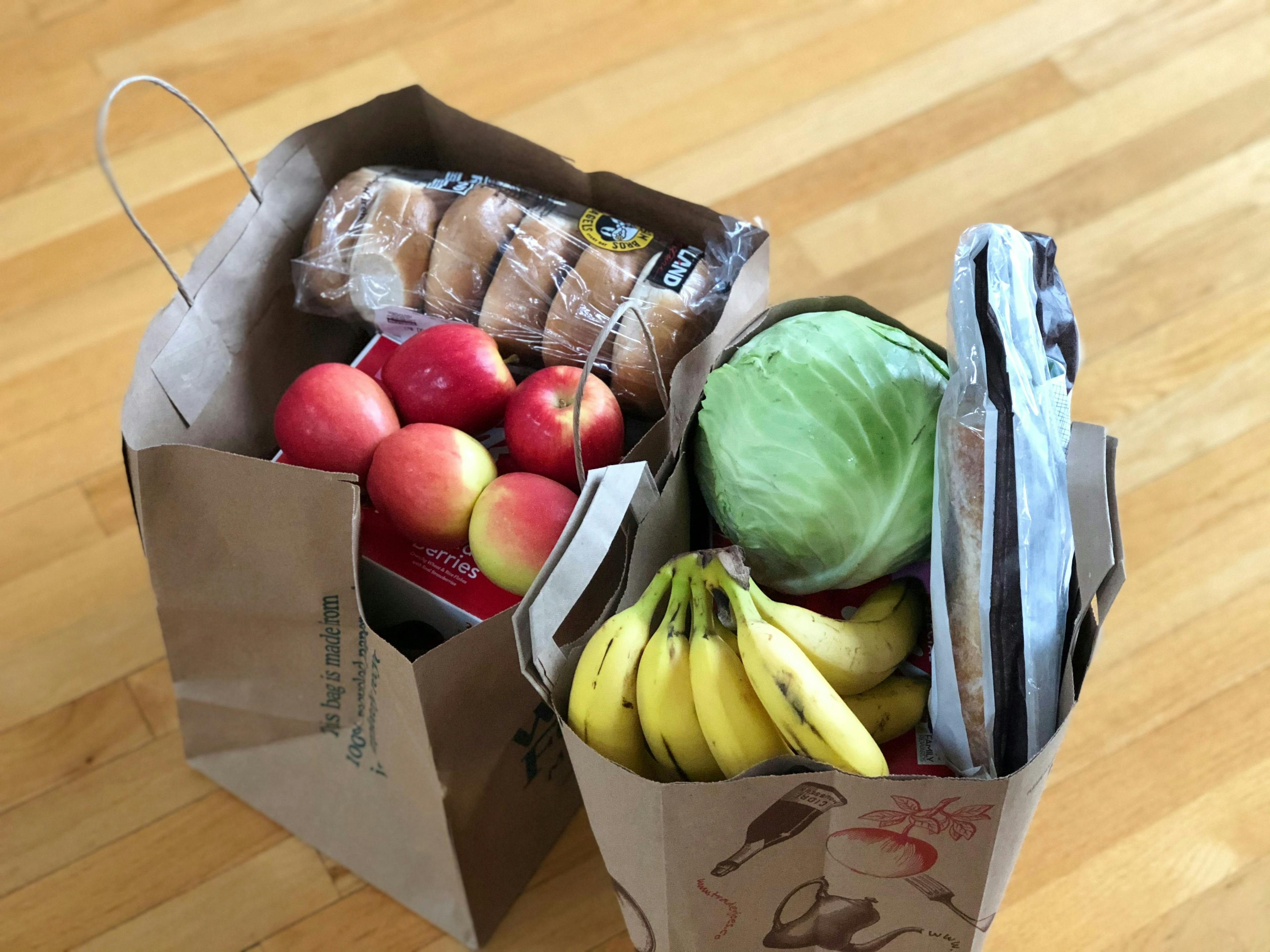
Checking out a marketplace shopping cart
From a customer’s point of view, checking out on a Sharetribe marketplace is fairly simple. When checking out a cart, we need to add a few more actions in between the steps of the default flow under the hood. In this blog series, we are diving into the ins and outs of building a multi-vendor shopping cart with single-vendor checkout using the Sharetribe Developer Platform.
Showing purchased cart listings
The default behavior of Sharetribe marketplace transactions is to only involve a single listing. Therefore both the checkout page and the order page show only the main listing’s information, even if you are checking out a cart full of items. We want to modify this behavior so that cart listing information is displayed instead of the transaction’s default listing. In this blog series, we are diving into the ins and outs of building a multi-vendor shopping cart with single-vendor checkout using the Sharetribe Developer Platform.

Designing a shopping cart transaction flow
In the default purchase transaction process in a Sharetribe marketplace, the transaction handles payment and stock for one item. In a cart transaction flow, we still want to handle the payment in a single transaction with a single set of line items, but we want to handle stock for each listing separately. In this blog series, we are diving into the ins and outs of building a multi-vendor shopping cart with single-vendor checkout using the Sharetribe Developer Platform.

Calculating shopping cart price
In a default Sharetribe marketplace, a transaction price is calculated based on a single listing. With a shopping cart, we want to calculate the price of the transaction based on all the listings in the cart. In this blog series, we are diving into the ins and outs of building a multi-vendor shopping cart with single-vendor checkout using the Sharetribe Developer Platform.

Viewing cart items
Different e-commerce sites have a variety of ways to view the items in your cart. In this blog series, we are diving into the ins and outs of building a multi-vendor shopping cart with single-vendor checkout using the Sharetribe Developer Platform.

Adding items to cart
The first step of building a shopping cart is allowing our customers to add items to their cart. In this blog series, we are diving into the ins and outs of building a multi-vendor shopping cart with single-vendor checkout using the Sharetribe Developer Platform.

Building a shopping cart for a Sharetribe marketplace
How to develop a shopping cart on a Sharetribe marketplace? The short answer is that it is possible, but is a complex feature that involves a fair bit of custom development. In this blog series, we will dive deep into the long answer.

Introducing Sharetribe's Developer Advocacy team
Our Developer Advocacy team supports the developers who are building with the Sharetribe Developer Platform.

Building a safer space at Sharetribe
Our safer space guidelines help us build a workplace where everyone is free to be themselves.
Start your 14-day free trial
Create a marketplace today!
- Launch quickly, without coding
- Extend infinitely
- Scale to any size
No credit card required